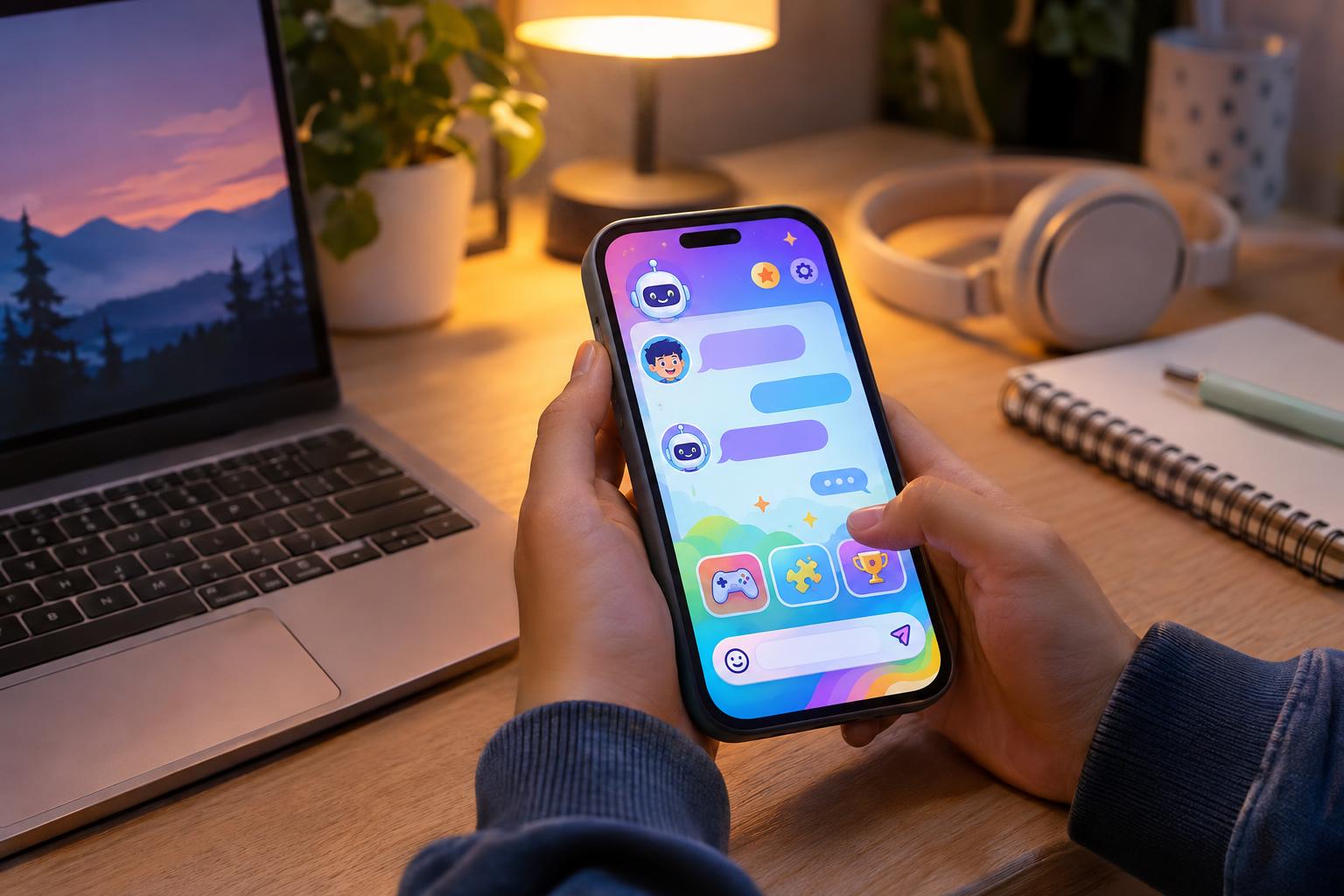
What “no download” means
A no-download teen chat runs in your web browser. You open a link, sign in and start chatting. There is no app to install, no storage space used and nothing to update. It works the same way on a phone, a tablet, a school Chromebook (where your school allows it) or a home computer.
808 Teens works like this. Everything, including the games, music and drawing tools, loads inside the page.
Why you still need a free account
Free does not mean anonymous free-for-all. 808 Teens asks you to make a free account before you chat because accounts let moderators enforce the 13 to 19 age rule, deal with people who break the rules and keep the rooms comfortable. There is no guest access and no webcam chat.
When you sign up, choose a username that does not include your full name, school or location. The teen chat privacy checklist has more tips.
What you can do once you are in
- Join group teen chat rooms, from the busy Main room to quieter rooms for role-play, quizzes and stories.
- Open private chats with people you meet.
- Play more than 20 games, including pool, chess, mini golf, bowling and party games for the whole room.
- Share songs and videos, draw together and join drawing contests.
- Customise your profile and pick a chat theme.
Using browser chat on a phone
On a phone, open 808teens.com/teenchat in Chrome or Safari and sign in. To make it feel like an app, use your browser’s “Add to Home Screen” option. It gets its own icon and opens full screen, and it still never needs an app store download.
If the chat feels slow, close other tabs, check your connection and refresh the page. Browser chat uses very little data compared with video apps.
Staying safe on any free chat
Free chat sites without moderation can attract people who should not be there. Before you join any site, check the age range, the rules and whether moderators are active. Never move a conversation to another app because someone pressures you, and never share photos, passwords or where you live. Read the chat safety advice if you are unsure about anything.
Questions
Is 808 Teens really free?
Yes. 808 Teens is free to use. You need a free account, and there are no paid rooms.
Do I need to download an app?
No. 808 Teens runs in your browser on phones, tablets and computers. You can add it to your home screen if you want an app-style icon.
Why can’t I chat as a guest?
Accounts let staff enforce the 13 to 19 age rule and act on reports, which keeps the rooms safer for everyone.
Does it work on iPhone and Android?
Yes. It works in the normal browser on iPhone, iPad and Android devices.
808 Teens is a free, moderated teen chat for ages 13 to 19, with group rooms, private chat and more than 20 games built in.